Make family video calls more engaging for young children
· Editorial team phoenixnewsdaily24.com
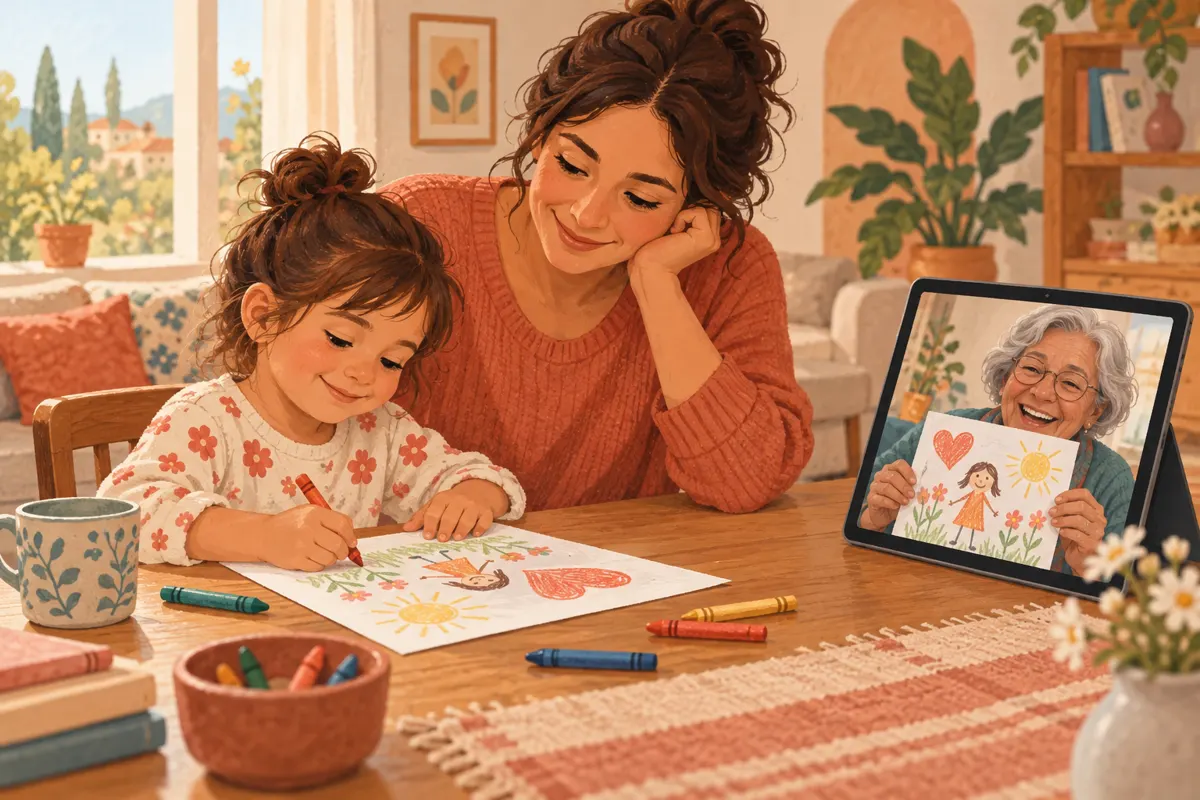
Give young children something simple to do together on a family video call: show a favorite toy, draw a silly picture, or listen to a story while looking at the pages. Choose one main activity, put the supplies within reach, and leave room to finish when the child has had enough. The ideas and short-call format below are editorial proposals you can adapt to your family.
Prepare one activity before you call
A little preparation gives grandparents and other relatives an easy starting point. Instead of opening with several questions about the child’s day, begin with something the child can hold, show, or copy. Pick an activity that matches what they already enjoy.
- Offer two choices before the call: “Would you like to show Grandpa your toy or draw with him?”
- Tell the relative which activity you chose so they can gather a book, paper, or a matching object.
- Set the device on a stable surface where the child’s face and activity are visible. Check that everyone can hear.
- Keep a nearby adult available to adjust the camera, repeat a missed instruction, or help turn a page.
Start with show-and-tell
For this proposed activity, invite the child to bring one familiar object: a stuffed animal, a drawing, or something they built. Ask a concrete question such as “Can you show me its wheels?” Give them time to respond through words, gestures, or play. The relative can bring an object too, making it a shared exchange.
If the child wants to keep moving, try a small finding game. The source suggests scavenger hunts using descriptions of objects. A simple variation is to ask for one safe item nearby, such as something soft or something blue. Have the adult with the child help choose the search area, and skip racing or scoring.
Draw together with easy prompts
Our proposed drawing game needs only paper and crayons or pencils at both ends of the call. Each person draws from the same prompt, then holds up their picture. Keep the instructions short and welcome whatever the child creates; the pictures do not need to match.
- Silly faces: take turns suggesting a feature, such as big ears, curly hair, or a tiny hat.
- Favorite things: each person draws a food, animal, or toy, then shares something about it.
- Add one thing: start with a house and take turns suggesting additions, such as a door, a tree, or a dog.
For a child who prefers scribbling, let the relative copy the child’s marks or ask which color to use next. If showing the paper is awkward, the nearby adult can briefly lift it toward the camera. Avoid spending the whole activity adjusting the view.
Make story time a shared activity
Reading aloud is a straightforward option for family video calls. Hold each picture where the child can see it and pause before turning the page. If both households already have the same book, the child can follow along with their own copy.
As an optional variation, let the child choose between two books or look for a recurring character in the pictures. Try an invitation such as “Can you spot the cat?” rather than asking questions on every page. A child can also supply an animal sound, join a familiar phrase, or simply listen while sitting with the nearby adult.
Use a short format and an easy goodbye
Here is a proposed ten-minute starting format, not a target the child must meet. Shorten it, repeat a favorite activity, or finish early according to how the call is going.
- First two minutes: say hello and show one favorite object.
- Next five minutes: draw together, play a finding game, or read a short story.
- Final few minutes: share the finished picture or favorite page, then wave goodbye.
If the child wanders away, offer one simple invitation to return, then let the call end if they are done. Avoid requiring a performance or a long conversation. Close with a familiar wave or phrase, and remember which activity they chose so you have a useful starting point next time.